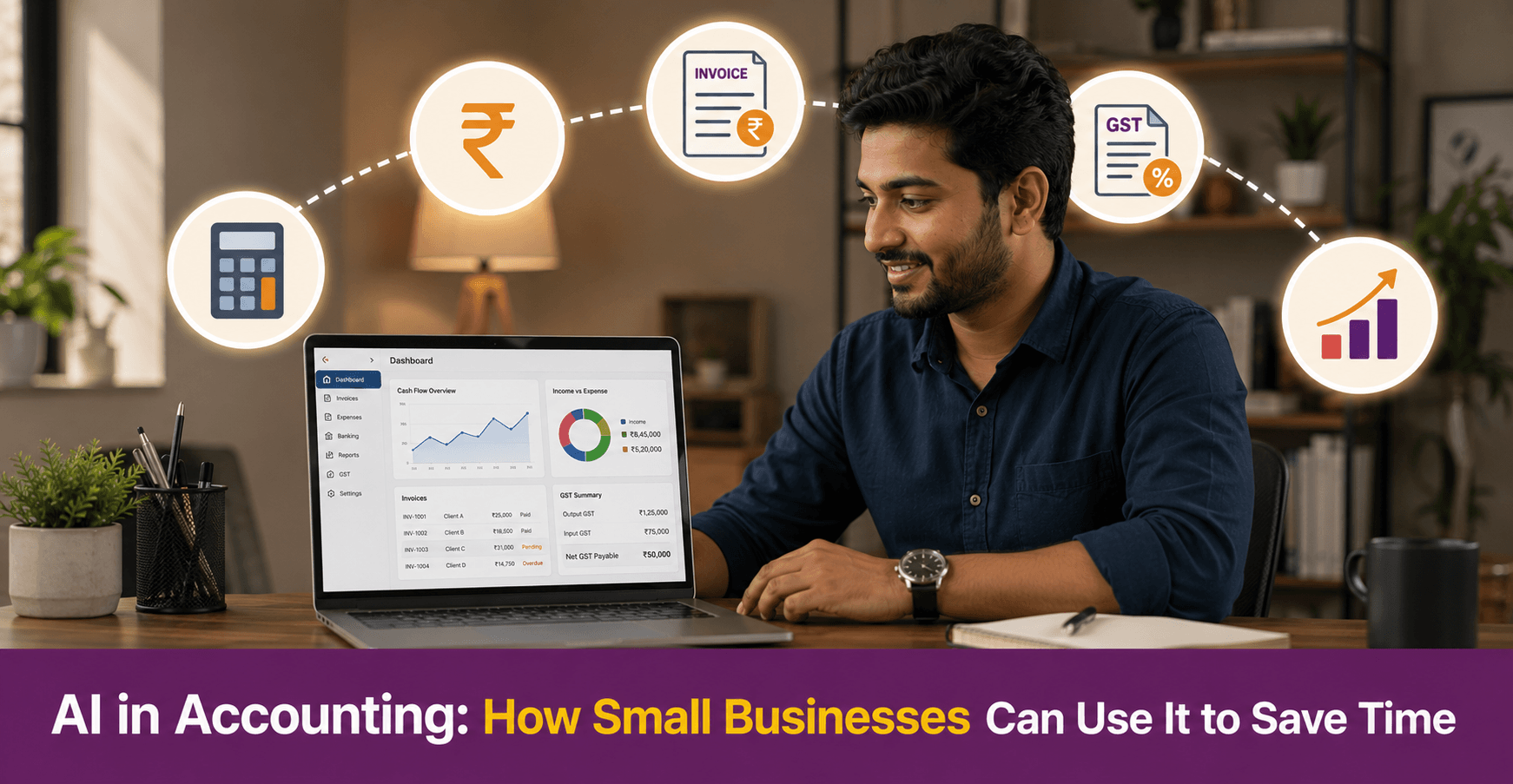
AI in Accounting: How Small Businesses Can Use It to Save Time
AI in accounting automates the routine financial tasks that take small business owners the most time: invoicing, expense tracking, bank reconciliation, and GST return preparation. For a small business without a full-time accountant, these tools reduce manual errors and keep financial records current. They also surface payment gaps before they become cash flow problems. This guide covers what AI can and cannot do in accounting, which tools work for Indian small businesses, and how to start without a finance background.
Key Takeaways
- AI in accounting handles repetitive tasks like invoice creation, expense categorisation, and bank reconciliation. This frees the business owner to focus on decisions rather than data entry
- Indian small businesses benefit most from AI accounting tools that support GST filing, TDS tracking, and Indian invoice formats
- AI accounting tools do not replace a chartered accountant for complex tax planning, audits, or statutory compliance. They reduce the volume of routine work a CA needs to handle, which reduces fees
- Most AI accounting tools for small businesses in India offer free plans or low-cost monthly subscriptions. Zoho Books, myBillBook, and ClearTax are among the most widely used
- Starting with one task — such as automated invoicing — is more effective than switching all accounting processes to AI at once

What Is AI in Accounting and How Does It Work?
AI in accounting uses machine learning and automation to handle financial tasks that previously required manual data entry or calculation. The software reads incoming data such as bank transactions, invoices, and receipts. It then categorises, matches, or processes each item based on rules it has learned from past entries.
For example, an AI accounting tool reads a bank statement and matches each transaction to an expense category. It flags any transaction it cannot categorise with confidence. The business owner reviews only the flagged items rather than entering every transaction manually. Over time, the tool improves its accuracy as it processes more of the business’s specific transaction patterns.
This is different from basic accounting software, which stores and organises data you enter manually. AI accounting tools reduce the amount of manual entry required in the first place.
What Accounting Tasks Can AI Handle for a Small Business?
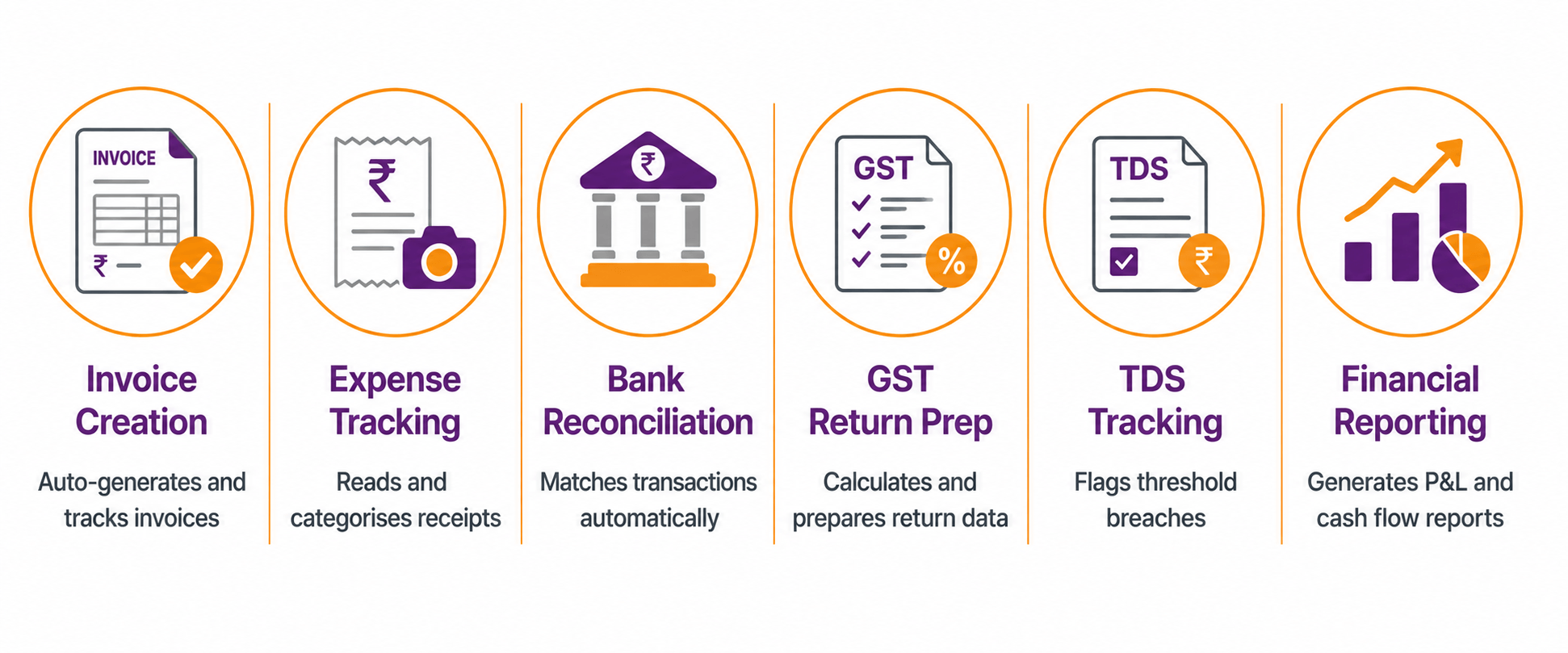
AI in accounting and finance covers six core tasks. Small business owners typically handle these manually or delegate them to a bookkeeper.
| Task | What AI Does | Time Saved |
| Invoice creation | Generates invoices from order data, sends them automatically, and tracks payment status | High |
| Expense tracking | Reads receipts and bank transactions, categorises expenses automatically | High |
| Bank reconciliation | Matches bank statement entries to accounting records and flags discrepancies | Medium |
| GST return preparation | Calculates GST payable, prepares GSTR-1 and GSTR-3B data from sales records | High |
| TDS tracking | Flags payments that cross TDS thresholds and calculates deductions due | Medium |
| Financial reporting | Generates profit and loss statements, cash flow summaries, and balance sheets on demand | Medium |
For small business owners who manage accounts in a notebook or spreadsheet, automating even two or three of these tasks cuts weekly financial admin significantly.
For a clear explanation of TDS thresholds and when they apply to your business, refer to deAsra’s guide on What Is TDS.
Which AI Accounting Tools Work Best for Indian Small Businesses?
Indian small businesses have specific requirements: GST-compliant invoice formats, GSTR filing support, and rupee-based tools with Indian bank integrations. Here are the most widely used AI tools for small business accounting in India:
| Tool | Best For |
| Zoho Books | End-to-end accounting with GST, invoicing, and bank reconciliation |
| myBillBook | Invoicing and inventory for small traders and retailers |
| ClearTax | GST return filing and ITR preparation |
| Tally Prime | Comprehensive accounting for established small businesses |
| QuickBooks India | Invoicing, expense tracking, and reporting |
Zoho Books is a strong starting point for most small businesses. Its free plan supports GST invoicing, expense tracking, and basic reporting. myBillBook suits small traders and retailers who need simple billing and inventory. ClearTax is the most widely used platform for GST return filing in India.
How Do You Get Started with AI in Accounting?
Step 1: Identify your biggest accounting pain point – Start with the task that takes the most time or causes the most errors. For most small businesses, this is either invoicing or GST return preparation. Pick one task to automate first.
Step 2: Choose a tool that fits your business type – A product-based business with inventory needs a different tool from a service-based business that invoices by the hour. Check whether the tool supports your specific transaction types before committing.
Step 3: Connect your bank account – Most AI accounting tools offer bank feed integration, which allows the software to read your bank transactions directly. This eliminates manual transaction entry and is the single biggest time-saving feature in AI accounting.
Step 4: Set up your expense categories – Define the expense categories relevant to your business: raw materials, logistics, marketing, rent, staff costs. The AI uses these categories to sort incoming transactions. The more specific your categories, the more accurate the automatic sorting becomes.
Step 5: Review, do not just accept – AI accounting tools flag items they are uncertain about for manual review. Build a weekly habit of checking flagged items and correcting miscategorised transactions. This review step is what keeps your accounts accurate over time.
Step 6: Add your CA to the platform – Most AI accounting tools allow you to add a CA or accountant as a collaborator. This gives your CA direct access to your books. It reduces the time they spend collecting data and lets them focus on higher-value work like tax planning and compliance.
What Can AI in Accounting Not Do?
AI accounting tools handle data processing and automation. They do not handle judgement-based financial decisions, legal compliance, or anything that requires professional accountability.
Tax planning: AI tools calculate tax based on your data. They do not advise you on how to structure your business to reduce tax liability legally. A chartered accountant handles this.
Statutory audits: Businesses above certain turnover thresholds are legally required to have their accounts audited by a CA. No software replaces this obligation.
Complex GST situations: AI tools prepare standard GST return data well. They struggle with input tax credit mismatches, GST department notices, or cross-state transactions with multiple tax treatments.
TDS compliance advice: An AI tool flags when a payment crosses a TDS threshold. It does not advise on the correct section to apply, available exemptions, or how to handle a TDS notice.
Think of AI in accounting as a data management layer below your CA’s work, not a replacement for it. A well-maintained AI accounting system reduces your CA’s workload and your monthly fees.
Conclusion
AI in accounting removes the most time-consuming parts of financial admin: manual data entry, invoice tracking, expense sorting, and GST return preparation. For a business without a full-time accountant, these tools provide financial organisation that previously required dedicated staff.
Pick one tool, connect it to your bank account, and use it consistently for one month. Most small business owners find that the time savings from automated bank reconciliation alone justify the switch. The tools listed in this guide all have free plans or low-cost options suited to small business budgets.
AI in accounting works best when it sits alongside professional guidance from a CA, not in place of it. The tool handles the data. The CA handles the decisions.
Your Next Step

FAQs
What is AI in accounting for small businesses?
AI in accounting uses software to automate routine financial tasks such as invoice creation, expense categorisation, bank reconciliation, and GST return preparation. The software reads transaction data, categorises it based on learned rules, and flags items that need manual review. For small businesses, this reduces the time spent on financial admin without requiring a full-time accountant.
Which AI accounting tool is best for small businesses in India?
Zoho Books is the most widely used AI accounting tool for small businesses in India. It supports GST invoicing, bank reconciliation, and expense tracking on a free plan. myBillBook suits small traders and retailers who need simple billing and inventory management. ClearTax is the most popular platform for GST return filing. The right choice depends on your business type and transaction volume.
Can AI replace a chartered accountant for a small business?
No. AI accounting tools handle data entry, expense tracking, and GST return preparation. They do not replace a CA for tax planning, statutory audits, complex GST situations, or compliance advice. AI reduces the volume of routine work a CA handles, which reduces the time and fees involved.
How does AI help with GST filing for small businesses?
AI accounting tools read your sales and purchase records and calculate GST payable and input tax credit. They then prepare data for GSTR-1 and GSTR-3B returns. Platforms like Zoho Books and ClearTax let you file returns directly from the software. This cuts the manual effort of compiling GST data each month or quarter.
Is AI accounting software safe for small business financial data?
Reputable AI accounting platforms use data encryption and comply with standard data security practices. Zoho Books, ClearTax, and myBillBook all store data on secure servers. As with any cloud-based tool, use a strong password, enable two-factor authentication, and review who has access to your account. Avoid sharing login credentials with anyone outside your business or your CA.